
Automated Video Production for YouTubers
Upload raw footage and get a voiced, captioned, SEO-tagged video back without opening a timeline editor. Built for solo creators and faceless channels shipping on a weekly cadence.
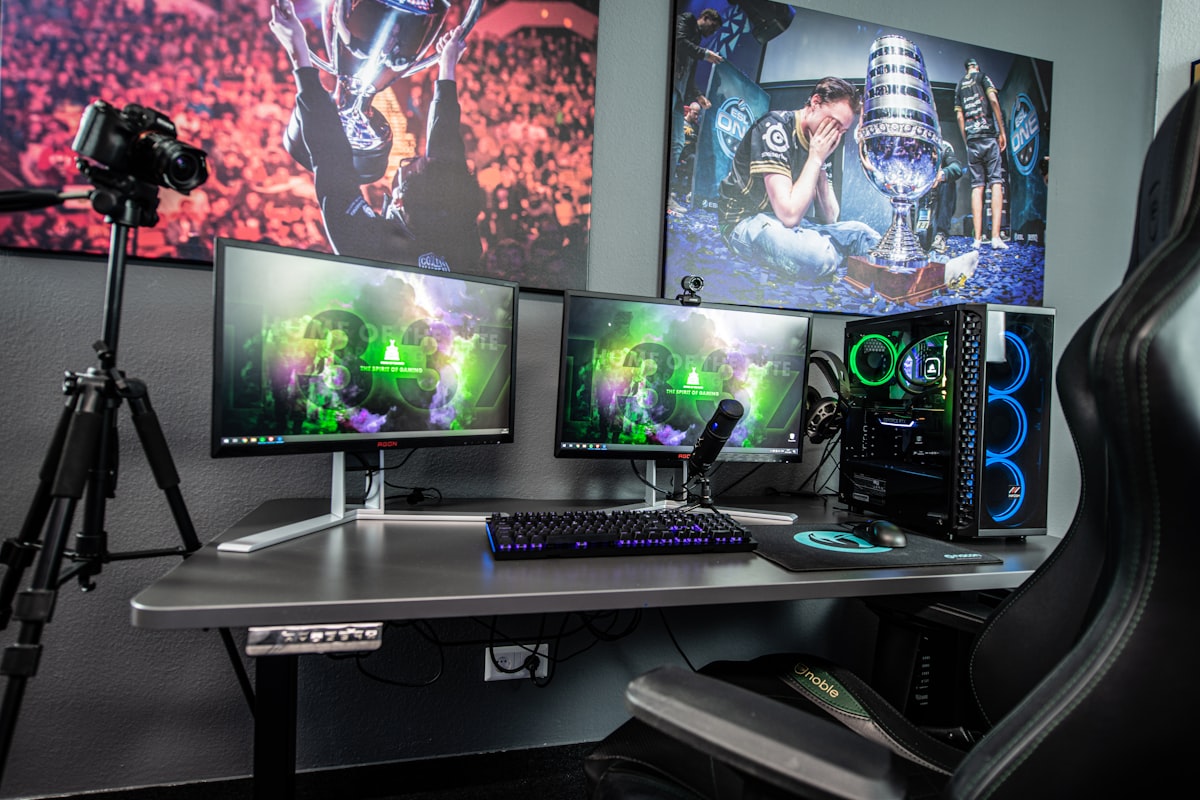
Automated video production for content creators means turning raw footage into a finished, publish-ready video — with voiceover, captions, and SEO metadata — inside a single pipeline. Outbox replaces the disconnected tool chain solo creators and faceless channel operators fight through every upload cycle, collapsing seven manual stages into one automated run.
The problem
What a weekly upload actually costs you
Every upload starts the same way: footage sits on a drive, waiting for the hours of post-production nobody talks about.
- 1Record footage or compile clips.OBS, camera, screen recorder15–60 min
- 2Open a separate TTS tool to generate voiceover.ElevenLabs, Play.ht20–40 min
- 3Manually sync narration to the timeline.DaVinci Resolve, Premiere30–60 min
- 4Add captions by hand or fix auto-generated garbage.Descript, CapCut, manual SRT20–45 min
- 5Write a title, description, and tags from scratch.Google Docs, YouTube Studio15–30 min
- 6Export, upload, and fill in YouTube metadata fields.YouTube Studio10–20 min
- 7Repeat every single week.Your willpower∞
Conservative total: 2–4 hours per video, across 4–6 different tools. Multiply by every video, every week.
How it works
One upload. Everything handled.
Outbox replaces your disconnected tool chain with a single pipeline. Upload footage once — scripting, voice, captions, metadata, and packaging run automatically.
Drop in a screen recording, B-roll compilation, or raw camera file. MP4, MOV, and WebM — the pipeline handles codec and resolution differences internally.
A narration script is drafted from your footage. Once approved, voiceover renders automatically with your chosen voice style — or upload your own audio track.
Timed captions are styled and burned into the video. SEO-optimized title, description, tags, and chapters are generated automatically.
Preview the finished video. Approve and publish directly to YouTube, or download the package to upload yourself.
Side by side
Manual production vs. Outbox pipeline
| Manual Production | Outbox Pipeline | |
|---|---|---|
| Tools required | 4–6 separate apps | 1 dashboard |
| Time per video | 2–4 hours | Minutes (mostly render time) |
| Voiceover | Separate TTS tool → download → import → sync | AI voiceover |
| Captions | Auto-generate → fix errors → style → export SRT | Auto captions |
| SEO metadata | Research keywords → write by hand → paste into YouTube | Auto-generated |
| Publishing | Export → upload → fill metadata fields | Direct publish |
| Script changes | Re-do voiceover, re-sync, re-caption, re-export | Re-run affected stages automatically |
| Consistency | Depends on your energy that day | Locked-in presets per channel |
Steps collapsed into a single upload
Average pipeline run time
More videos shipped per week
Who is this for
Creators who benefit most
Faceless channel operators
Run one or more channels without recording your own voice. Lock in a narrator style per channel and keep output consistent across 4+ uploads per week.
Solo YouTubers
Spend your time on storytelling and footage, not on the hours of post-production that turn raw clips into a finished upload.
Clip repurposers
Turn long-form recordings into multiple captioned shorts with platform-tuned metadata. One upload produces multiple outputs.
Real outputs
What creators are producing with Outbox
Tech explainer
FacelessScreen recording of a tool walkthrough
Voiced narration + captions + SEO-tagged YouTube upload
Product review
CameraRaw camera footage of product unboxing
Scripted voiceover + styled captions + optimized title/description
Tutorial series
Screen captureScreen capture of coding session
Chapter-segmented video with clear narration and timed captions
Compilation / top-10
B-rollAssembled B-roll clips
Narrative structure generated from footage + full metadata package
Stream highlights
VOD clipTwitch/YouTube VOD clip
Captioned short-form clip with platform-tuned metadata
FAQ
Common questions
Do I need to write a script before uploading?
No. The pipeline analyzes your footage and drafts a script automatically. You can edit the draft before voiceover runs, or set the stage to auto-approve for hands-off runs.
Can I use my own voice instead of AI voiceover?
Yes. Skip the voiceover stage and upload your own audio track. The rest of the pipeline — alignment, captions, metadata, publishing — still runs.
What upload formats are supported?
MP4, MOV, and WebM. The pipeline handles resolution and codec differences internally. No need to pre-process or re-encode before uploading.
How long does a full pipeline run take?
Depends on video length, but most runs complete in minutes. You can monitor progress stage by stage in the dashboard.
Can I run multiple pipelines at once?
Yes. Each run is independent. Upload three videos on Monday morning and let them process in parallel.
How does Outbox compare to editing in DaVinci Resolve or Premiere?
Outbox isn't a replacement for creative editing. It replaces the repetitive production tasks — voiceover generation, caption syncing, metadata writing, and publishing — that sit between your creative edit and a published video. If you're running a faceless channel, Outbox handles the entire chain from raw footage.
Ready to stop editing and start publishing?
Join creators who are shipping more video with less manual work.